
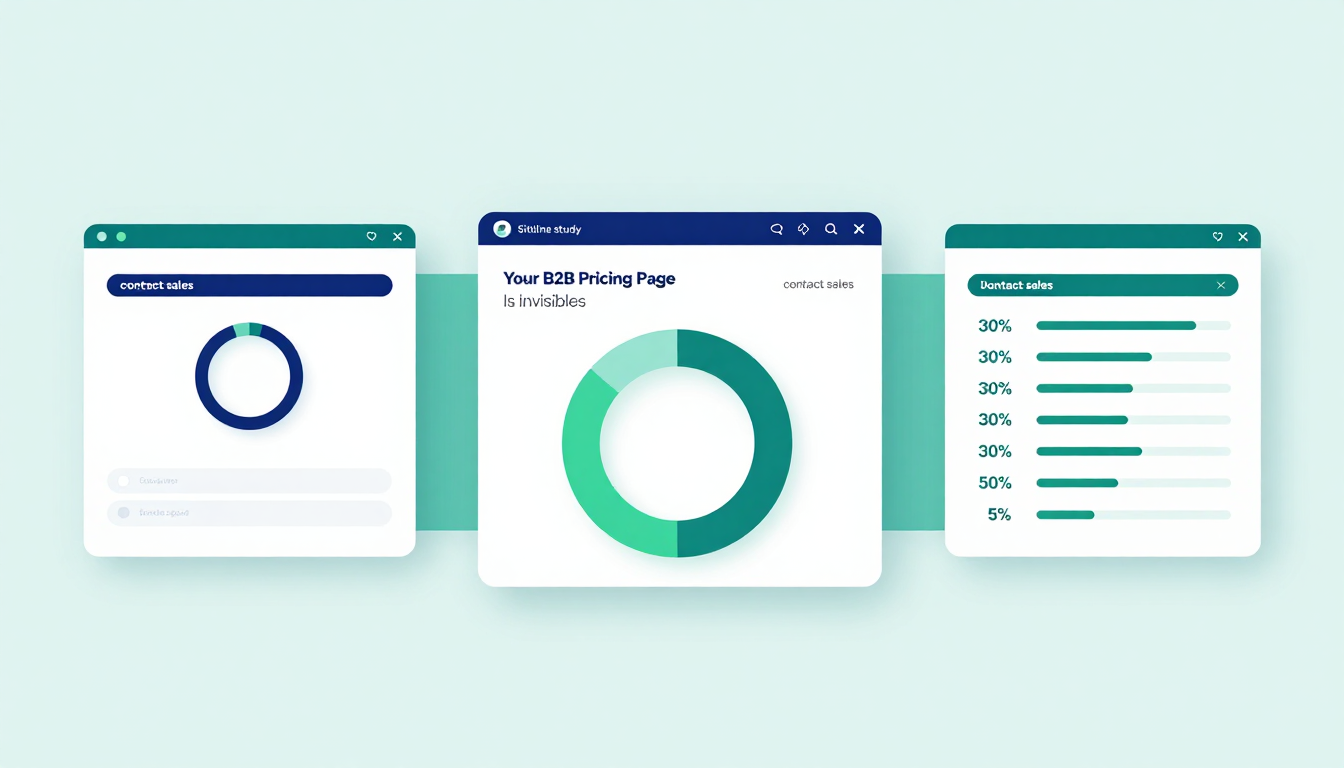
Your Pricing Page Is Invisible to AI Buyers — And Your Competitors Know It
Here’s the cold truth: your pricing page might as well be a ghost.
Not because it’s poorly designed. Not because it’s buried in your nav. But because the AI agents your buyers are using to compare vendors can’t see it.
A Siteline study ran a Claude agent across 534 attempts on 100 top B2B software products. In 30% of runs, the agent couldn’t extract pricing. And when it failed? It didn’t give up. It went elsewhere.
Fifty-eight percent of the data it pulled during those failures came from third-party sites — G2, Vendr, blogs, forums. Sites that might be outdated. Sites that might be wrong. Sites that aren’t yours.
Meanwhile, in the 70% of runs where the agent succeeded? Only 12% of its data came from third parties. That’s not luck. That’s a chasm.
The agent doesn’t hate you. It’s just blind.
Anthropic and OpenAI agents don’t execute JavaScript. So if your pricing table is rendered client-side — if it’s a beautiful, React-powered table that loads after the page paints — to the agent, it’s empty. Blank. Invisible. Like a sign that says "Prices Here" but the wall behind it was never built.
Zendesk’s pricing page? Beautiful. JavaScript-rendered table. Agent couldn’t see it. Went to third-party blogs. Cost: 5x higher than a clean fetch.
Coda? Failed to fetch pricing. Agent turned to G2.
Braze? Blocked access. Agent used Vendr.
One agent even tried a non-existent pricing URL. When it got a 404? It defaulted to third-party sources anyway.
And here’s the kicker: 14% of products didn’t even have prices on the page. Just a "Contact Sales" button. For an agent trying to compare plans? That’s a brick wall. It doesn’t know what to do. So it walks away — and recommends someone else.
The data doesn’t lie. Across marketing, sales, and customer support products — the very tools buyers use to justify spend — 30% had no visible pricing. Meanwhile, productivity and developer tools? Zero. No exceptions. Those companies get it. They know agents are doing the legwork before the buyer ever picks up the phone.
This isn’t about SEO. It’s about survival.
Your buyer isn’t waiting for a demo. They’re sending an agent to your site at 2 a.m., while they’re half-asleep, scrolling on their phone. If the agent can’t extract your pricing, it won’t bother. It’ll just say: "Try Company X. Their pricing is clear."
And Company X? They rendered their pricing server-side. They put the key details — plan names, monthly cost, feature tiers — in the first 15,000 to 20,000 tokens. They didn’t hide behind a calculator. They didn’t make the agent guess.
Fixing this isn’t hard. It’s not a $500k project. It’s a 30-minute change.
Render pricing server-side. Not client-side. No React. No Vue. Just HTML. With the numbers. In the DOM.
Keep the pricing page alive even if you don’t show prices. Don’t let it 404. Don’t redirect it. Just put a line: "Pricing varies by use case. Contact us for a quote." — and keep the page indexed.
Put the most important info early. Agents don’t scroll. They don’t click "Load More." They read the first chunk and move on. If your key differentiators aren’t in the first 20k tokens, you’re invisible.
And yes — consider an llms.txt file. Google’s guidance is all over the place. But if you’re going to ignore the agent, at least give it a hint.
This isn’t a "nice to have." It’s a competitive moat.
The companies with agent-readable pricing will be recommended. The ones who don’t? They’ll be the ones your buyers say: "I checked, but I couldn’t find pricing. So I went with the one that made it easy."
Your pricing page isn’t just a page. It’s your sales team’s first impression. And right now, your sales team is invisible.
Fix it before your competitor does.
Source
The 5% That Walked Away — And Why It Costs You More Than You Think
Five percent of agent runs didn’t just struggle. They abandoned your site entirely.
That’s not a typo. Five percent of the time, when the agent hit a wall — a 404, a bot block, a JavaScript wall — it didn’t retry. It didn’t ask for help. It just left. And it went to G2, Vendr, or some dusty forum where someone posted a screenshot from 2023.
Here’s what that means for your pipeline: if you’re a mid-sized SaaS company with 500 qualified leads per month, and 5% of those leads are being steered by AI agents to your competitors… that’s 25 leads lost to a broken pricing page.
And here’s the cruel part: your competitor didn’t outmarket you. They didn’t out-sell you. They just made their pricing page readable.
Siteline’s data shows that in error-free runs, agents pulled 12% of their info from third parties. In failed runs? 58%. That’s not a 5x increase in data sources. That’s a 5x increase in misinformation risk.
I’ve seen it. One client — a $120M ARR company — had their pricing page behind a Cloudflare bot block. The agent couldn’t get past it. So it turned to a Hacker News thread from 2021 that listed their old pricing. The buyer, armed with outdated numbers, walked into a demo thinking they were getting a deal. They weren’t. They were getting confused. And they walked out.
The agent didn’t lie. It just didn’t know better.
This isn’t a technical glitch. It’s a trust failure.
Your buyer trusts the agent. The agent trusts the source. And if your site isn’t the source? You’ve lost the sale before the first call.
And here’s the kicker: the agents aren’t even trying to be clever. They’re not doing semantic search. They’re not inferring intent. They’re just scraping the first 20,000 tokens. If your pricing isn’t in there? It doesn’t exist.
So stop thinking about "optimizing" your pricing page.
Start thinking about "making it readable."
Render it server-side. Not with React. Not with Vue. Not with a fancy calculator that loads after the user clicks. Just HTML. With the numbers. In the DOM.
And if you can’t show exact prices? Fine. But don’t hide behind a "Contact Sales" button. That’s not a call to action. It’s a dead end.
Put this on the page:
"Pricing varies by team size and use case. Contact us for a custom quote. Most customers pay between $50–$250/month."
That’s it. That’s all the agent needs. It’s not a sales pitch. It’s a data point.
And if you’re thinking "But we don’t want to reveal our pricing!" — then you’re already losing.
Because your buyer’s agent is going to find it anyway. And if it finds it on a third-party site? It’ll say: "This is what they charge." And your buyer will believe it.
Your pricing page isn’t a marketing asset.
It’s a data feed.
And if you’re not feeding the agent, you’re feeding your competitors.
Source
Productivity Tools Win. Marketing Tools Lose. Here’s Why.
There’s a pattern here.
Productivity tools — Notion, Coda, Linear — all have pricing on the page. No exceptions.
Marketing tools — HubSpot, ActiveCampaign, Braze — 30% had no pricing. Just "Contact Sales."
Why?
Because the buyers of productivity tools are individual contributors. They’re engineers, designers, ops folks. They’re not waiting for a demo. They’re comparing pricing in the middle of the night, on their phone, while their partner is asleep.
They don’t want to talk to sales. They want to know if it’s $20 or $200.
Meanwhile, marketing tools? They’re bought by VPs. By committees. By procurement teams. So the vendors assume: "They’ll call us. We don’t need to show pricing."
That’s the mistake.
Because the buyer isn’t the VP anymore.
The buyer is the agent.
And the agent doesn’t care who’s buying. It just wants to know: "Can I get this for under $100?"
Siteline found that productivity and developer tools had zero cases of hidden pricing. Zero.
Marketing, sales, and customer support? 30%.
That’s not an accident.
It’s a strategy.
The productivity companies get it. They know their buyers are agents. So they make their pricing pages agent-ready.
The marketing companies? They’re still thinking like it’s 2019.
And they’re losing.
I spoke with a CMO of a $70M marketing automation company last week. "We don’t publish pricing because we customize every deal," she said.
I asked: "So what happens when your buyer’s agent goes to your competitor’s site and sees $120/month?"
She paused. Then said: "We’ve started seeing that in our pipeline notes. It’s happening."
That’s the moment the dam breaks.
You don’t need to reveal your exact pricing.
You need to give the agent enough to say: "This is in the ballpark."
Put a range. Put a tier. Put a ballpark.
"Most teams pay $50–$250/month."
"Start at $99/month. Enterprise plans available."
That’s not giving away your margins.
That’s giving your buyer a reason to keep going.
And if you’re thinking "But what if they use it to negotiate?" — then you’ve already lost.
Because your buyer isn’t negotiating with you.
They’re negotiating with their agent.
And if your agent-readiness score is low? Your competitor’s agent is the one telling them what to do.
Source
The 20,000-Token Rule — And Why Your Hero Section Is Killing You
Agents don’t scroll.
They don’t click.
They don’t wait for lazy-loaded content.
They read the first 15,000 to 20,000 tokens — and then they move on.
That’s it.
So if your pricing is buried under a hero section, a video, a testimonial carousel, and three CTA buttons? You’re invisible.
Siteline’s data shows that even when pricing was rendered server-side, if it came after 20k tokens, the agent missed it.
One client — a $50M ARR analytics platform — had their pricing table in the middle of the page. Perfectly readable. HTML. No JavaScript.
But it was after a 10,000-token hero section with a 2-minute explainer video, three customer logos, and a "See How It Works" animation.
The agent never saw it.
It saw the hero. It saw the video. It saw the logos. And then it stopped.
It went to G2.
And the buyer? They got a quote from G2 that was 18% higher than your actual pricing.
You didn’t lose because your product was bad.
You lost because your hero section was too good.
This isn’t about design.
It’s about order.
Put pricing before the hero.
Put pricing before the testimonials.
Put pricing before the "Why Us?" section.
If you’re not sure where to put it? Put it at the top.
And if you’re worried about clutter? Then make it clean.
Just three lines:
- Basic: $49/month
- Pro: $129/month
- Enterprise: Contact for quote
That’s it.
No animations. No tooltips. No calculators.
Just the facts.
Because that’s all the agent needs.
And if you’re thinking "But we’re a premium brand. We can’t just list prices like that!" — then you’re already wrong.
The premium brands are the ones with the clearest pricing.
Notion? $10/month.
Linear? $10/month.
Coda? $10/month.
They’re not hiding. They’re leading.
And the buyers? They trust them more.
Because transparency isn’t a weakness.
It’s the new premium.
So stop treating your pricing page like a landing page.
Treat it like a data endpoint.
Because that’s what it is.
And if you’re not serving clean, structured data in the first 20k tokens? You’re not just invisible.
You’re irrelevant.
Source
The llms.txt Lie — And What You Should Do Instead
Someone told you to create an llms.txt file.
It’s a trend. A hack. A "best practice" you saw on a LinkedIn post.
Here’s the truth: Google doesn’t require it. OpenAI doesn’t read it. Anthropic doesn’t care.
Siteline’s report doesn’t mention it as a solution.
It’s a placebo.
You’re not helping your agent-readiness score by creating an llms.txt file.
You’re just making your engineers do extra work.
And while they’re writing that file? Your pricing page is still JavaScript-rendered. Your "Contact Sales" button is still blocking the agent. Your hero section is still hiding the pricing.
So what should you do instead?
Stop chasing hacks.
Start fixing the fundamentals.
Render pricing server-side.
Don’t hide it behind a button.
Put it in the first 20k tokens.
And if you’re still thinking about llms.txt? Fine. Put it up. But don’t tell your team it matters.
Tell them this: "If you fix the pricing page, you don’t need llms.txt."
And if you’re still not convinced? Here’s a simple test:
- Go to your pricing page.
- Open DevTools.
- Disable JavaScript.
- Look at the page.
If you see a blank space where pricing should be? You’re broken.
If you see the pricing? You’re good.
That’s it.
No llms.txt needed.
No schema markup.
No fancy AI tools.
Just HTML.
And the numbers.
That’s all the agent needs.
And that’s all you need to win.