
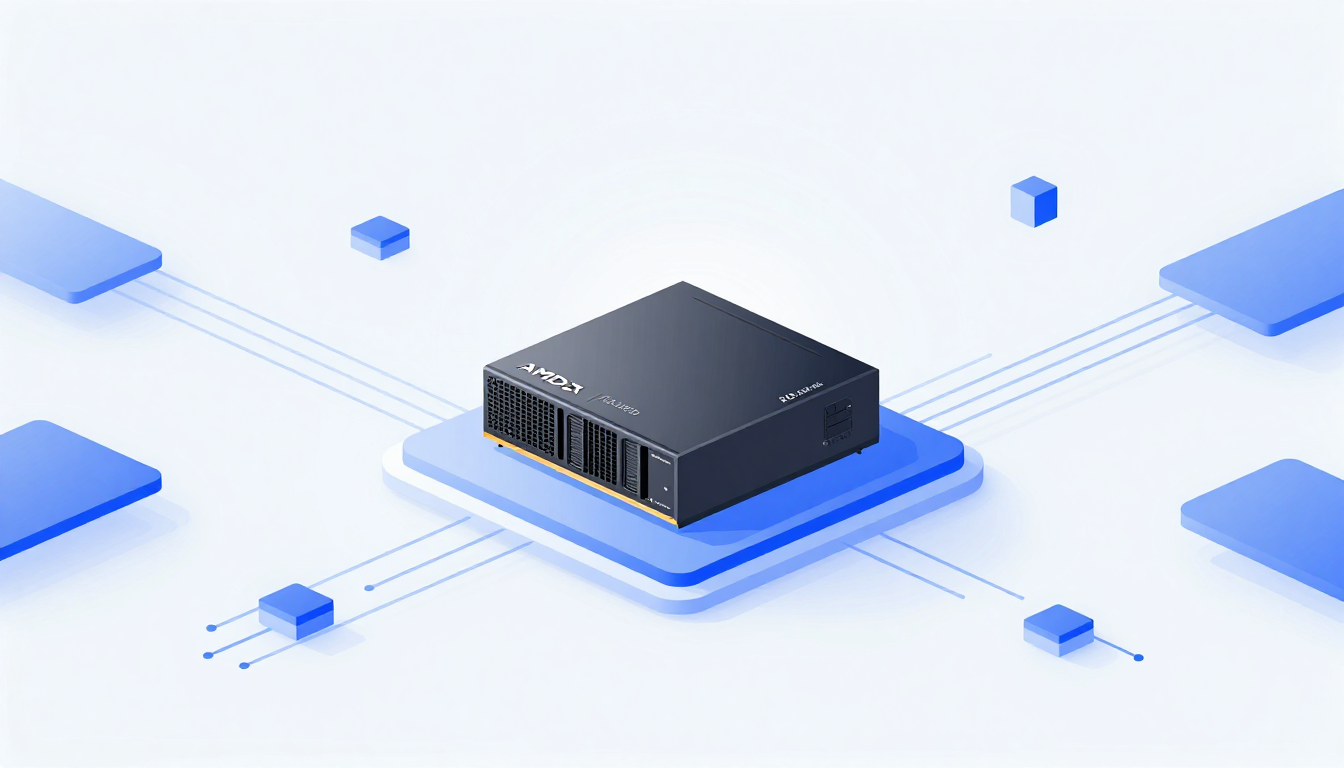
You don't buy the Ryzen AI Halo for speed
You buy it because you've hit the wall with your GPU—your 32 GB VRAM card chokes on anything over a 13B model, and cloud inference costs are bleeding your startup dry. AMD's tiny Strix Halo box isn't trying to beat Nvidia's DGX Spark in raw throughput. It's competing on memory and convenience: 128 GB of unified RAM, preloaded software, and a clean out-of-the-box workflow. For local AI devs who want to push beyond consumer hardware, it's a lifeline—provided you're okay paying $3,999 after a year of DRAM-driven price creep.
$4K isn't what it used to be
A year ago, the Ryzen AI Halo would've looked like a steal. AMD launched it at roughly $2,000, touting a DGX Spark alternative packed with 128 GB of unified memory. Today? The MSRP sits at $3,999—still a shade cheaper than the Spark's latest $4,699 tag, but painfully close to that original headline number.
The culprit isn't just AMD or Nvidia alone. Both companies have inadvertently fed the memory crunch that sent DRAM prices sky-high, and the consumer market caught it right in the teeth. For context: building a workstation with 128 GB of VRAM used to cost $20,000 or more before the RAMpocalypse hit. Now you can get something close for less than half that—but only if the wallet sting isn't too sharp.
So what do you actually get? Not a brand-new chip—Strix Halo (Ryzen AI Max+ 395) has been on the market for over a year. Instead, you're paying for the package: cooling, prevalidated BIOS settings, and—most importantly—hardware optimized for memory-heavy workloads, not peak FLOPs.
Hardware that leans on memory, not brute force
At the heart of the Halo is AMD's Ryzen AI Max+ 395 SoC: 16 Zen 5 cores up to 5.2 GHz, an integrated Radeon 8060S GPU with 40 RDNA 3.5 CUs (~56 TFLOPS dense FP16), and an XDNA 2 NPU pushing ~50 TOPS. All wrapped in a 128 GB LPDDR5x package running at 8,000 MT/s over a 256-bit bus—that's 256 GB/s of memory bandwidth.
Now compare that to what consumer GPUs offer: an RTX 5090 delivers 1.7 TB/s over 32 GB GDDR, which is why those cards can't run large models without heavy quantization. Here's the reality: most local AI workloads live and die by memory capacity, not TFLOPS.
- 4-bit models: ~512 MB per billion params
- 8-bit: ~1 GB per billion
- 16-bit: ~2 GB per billion
That means a 7B model fine-tuned end-to-end can easily eat over 100 GB of RAM. A 200B model at 4-bit? Just about possible—on paper, and only if every last drop of memory is shared with the GPU. Linux lets you extend that sharing to full capacity; on Windows, it's locked tighter.
The AI Halo gives you runway: fine-tune up to 70B models, inference on 200B models at low precision. You won't win benchmarks against GB10's 125 TFLOPS BF16, but you can run models that your desktop GPU simply can't touch.
Hardware notes you might not expect
- Dimensions: 5.9 × 5.9 × 1.79 inches, under 2.65 lbs—small enough to nest beside your monitor.
- TDP: 120W, meaning it runs cooler than most desktop GPUs under load.
- Ports: 3× USB-C (one power-only), HDMI 2.1b, 10 Gbps Ethernet, Wi-Fi 7, Bluetooth 5.4.
- One notable absence: no high-speed QSFP networking like the Spark's 200 Gbps ConnectX-7. You can cluster multiple AI Halos, but you're limited by that single 10 Gbps pipe per unit.
- Storage: a 2TB M.2 SED (self-encrypting drive)—adequate for most model caches and datasets, though throughput won't match NVMe RAID in a server rack.
Software: It's the real packaged deal
The Halo ships with Linux (Debian 13, kernel 6.18) or Windows 11 out of the box—but AMD went all-in on the Linux experience. The review unit arrived with ROCm 7.13, ComfyUI, and vLLM preinstalled, plus AMD's Ryzen AI Developer Center—a launcher window that greets you on first boot and opens straight to 19 curated playbooks.
Those playbooks cover:
- LLM inference (with vLLM wrapper scripts)
- Fine-tuning via PyTorch
- Diffusion models in ComfyUI
- Agent building with OpenClaw and Cline
- Local Whisper and Stable Diffusion inference
The documentation isn't flawless—vLLM's getting-started guide skips model selection and config advice, which stings since vLLM is widely used in production. And yes, you'll still need an LLM to debug ROCm's finicky PyTorch scripts from time to time (the review unit needed a single-line fix to fine-tuning examples). Notably, AMD's provided vLLM build produced results the reviewers weren't confident in, suggesting early-build instability.
Where AMD shines is Lemonade Server: an LM Studio–style UI tuned for ROCm/NPU. It wraps vLLM, Llama.cpp, Whisper.cpp, and Stable Diffusion.cpp into one polished interface, including limited NPU offload paths. That alone is worth the price of admission for devs tired of juggling CLI invocations.
AMD's claim that full-time developers save $750/month vs cloud APIs? Plausible—if your workflow is daily inference on mid-sized models, and you're not paying for top-tier GPU hours.
Performance: Memory wins, compute loses
In memory-bound applications like LLM inference, the system matches and in some cases narrowly outpaces Nvidia's more expensive DGX Spark. Hanging the memory off the GPU instead of the CPU benefits the AI Halo here.
In compute-bound workloads, like fine-tuning, image generation, or batch processing, the gap grows considerably. For a full fine-tune of IBM's 3B parameter Granite 4.0 Micro Base at 16-bit precision, the Spark with its 125 teraFLOPS of BF16 performance completed the training run in nearly half the time of the AI Halo with its 56 or so teraFLOPS.
A big piece of this is down to the fact that Strix Halo wasn't really intended for this use case. AMD's RDNA 3.5 GPU tech lacks support for floating point precisions lower than FP/BF16. It does offer INT8 support, but only by upcasting to FP16, which means no performance uplift from dropping to lower precision.
However, whether you'll even notice the performance deficit really depends on what you're doing. AI benchmarks usually disable prefix caching to accurately evaluate accelerators, but this isn't representative of how you'd actually use the model. In a chatbot or AI agent, prefix caching keeps the accelerator from reprocessing the same prompt tokens across turns—meaning the AMD box's slower prompt processing matters far less in real-world agent workflows than benchmarks suggest.
Who is this for? (And who should pass?)
✅ Best fit:
- Developers new to AMD's ecosystem wanting a turnkey setup
- Local AI enthusiasts needing >32 GB RAM but can't (or won't) spend $20K+
- AI agent hosts who want isolation, larger context windows, and local inference—OpenClaw, Cline, vibe coding with Qwen 3.6-35B-A3B
- Existing Strix Halo box owners who want the preinstalled software bundle
❌ Hard pass:
- You need raw speed for fine-tuning or image generation (pick DGX Spark or a workstation with an RTX 5090)
- You already own a Strix box and are comfortable with HIP/ROCm (you're only missing convenience)
- You rely on low-bit precision (FP8/FP4) for performance—Strix Halo's RDNA 3.5 lacks that, only upcasting INT8 to FP16
- Your budget is under $3,000—HP's Z2 Mini G1a has surged past $4,890 for comparable storage
For everyone else? This is the last, best workstation that dares to ask: What if local AI didn't need a server rack? The price is steep, but the runway it gives you—128 GB, one box, and all your code still yours—is hard to beat.