
The Trapdoor in Your Browser
You click a phishing link expecting a fake invoice. Five seconds later, your screen locks. Ransomware greets you—but not the kind that works on macOS. This isn't luck. It's orchestration.
Attackers don’t spray-and-pray anymore. They fingerprint your device before delivering a payload, using browser headers and telemetry to determine whether you’re on Windows, macOS, or mobile. If your OS doesn’t match what their malware expects, the landing page vanishes—redirecting you to a generic Google search instead. This isn’t experimental; it’s standard operating procedure for profitable campaigns.
Why? Because every wasted click is a lost sale. If your campaign delivers a Windows executable to an iPhone user, you’ve just wasted money on traffic and hosting. Instead of throwing away that click, attackers gate payloads behind a detection layer built into their landing pages. Only when your browser’s User-Agent string and screen fingerprint match the expected profile do you get forwarded to the exploit.
This article unpacks how modern phishing kits use user-agent fingerprinting, what payloads they serve per platform (like FleetDeck for Mac and Tiflux for Windows), and why the economics of phishing now demand platform-aware delivery.
How Click Gates Work
A phishing link enters your inbox. You click it. But instead of the promised document, you’re taken to a page that mimics your company’s login screen. The URL looks legitimate—maybe even has a padlock icon. But here’s what most users miss: the page never loads fully.
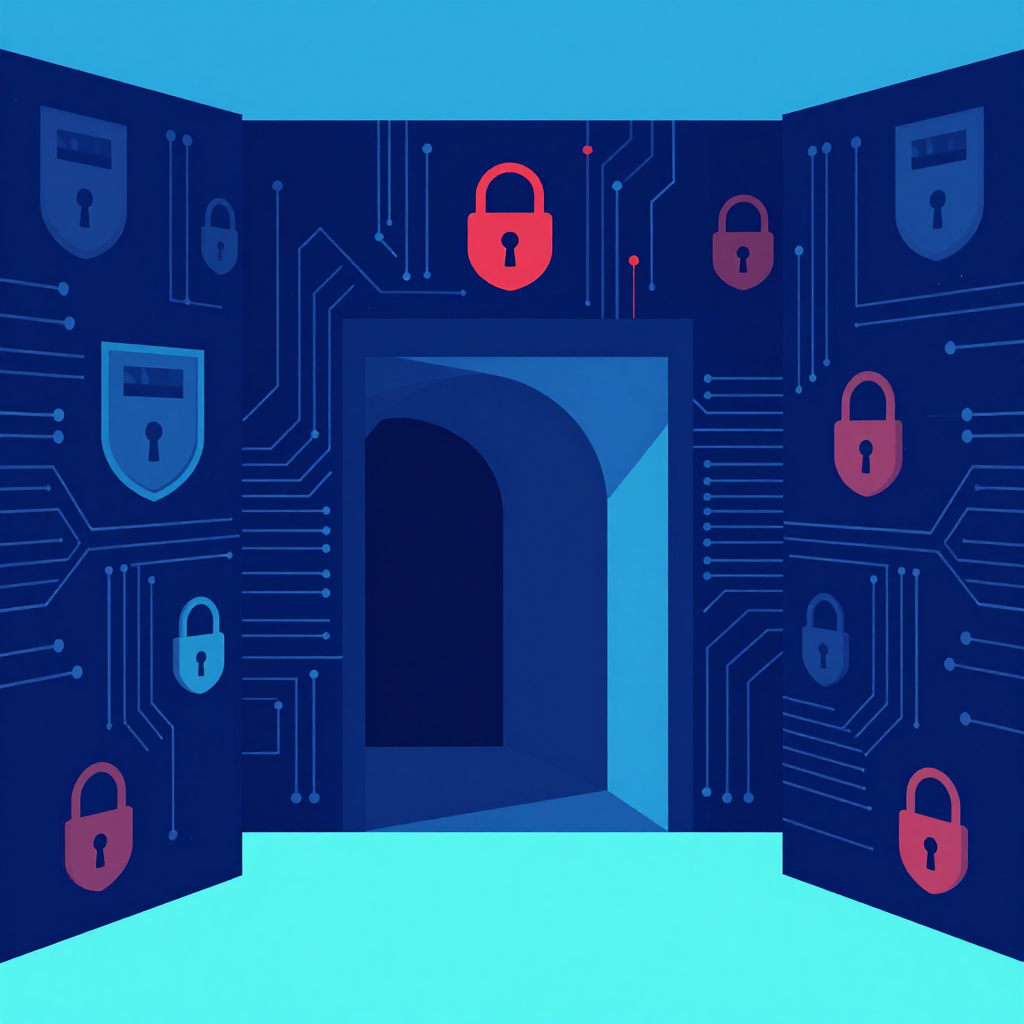
Behind the scenes, a Traffic Distribution System (TDS) intercepts your request before rendering anything. Think of the TDS as the bouncer at a club: it checks your credentials (User-Agent), your height (screen resolution), and whether you’ve been blacklisted (sandbox IP patterns) before deciding if you get inside.
Cloudflare recently documented how even basic user-agent blocking could be repurposed by attackers to achieve this pre-page redirect. If your browser says it’s on Windows, you’re sent to a Windows loader; if macOS, to a DMG file. If your system screams "I’m a sandbox" by running at default resolution or lacked typical fonts, you get redirected out—saving the attacker from having to maintain multiple exploit pages.
This logic isn’t just defensive evasion; it’s part of the business model. Why rent out an entire landing page when you can gate it behind a few lines of JavaScript? Click gates let attackers reuse domains longer, because only the right victims see the exploit—and security researchers never get the payload to reverse-engineer.

The Payloads per Platform
Windows Targets: Tiflux and LummaC2
On Windows, phishing kits have shifted from big .exe files to lighter, in-memory loaders. Why? Because most endpoints now detect known binaries instantly. So attackers repurpose RATs like Tiflux and LummaC2 as in-memory scripts delivered through PowerShell or msbuild.exe.
LummaC2 alone accounted for 23.3 million detections globally in early 2025 (per IBM’s X-Force Threat Intelligence Index), making it the most prevalent infostealer of the year. It doesn’t write to disk—it loads directly into memory via LOLBins like regasm.exe, then harvests credentials, session tokens, and browser cookies.
Once data is stolen, it’s exfiltrated over Telegram. Yes, Telegram. Attackers abuse the platform’s encrypted channels and bot APIs to send stolen data without relying on traditional C2 domains, making detection harder.
macOS Targets: FleetDeck and伪装 tools
macOS users don’t get Windows payloads. That wouldn’t run. Instead, attackers serve FleetDeck—a repurposed legitimate remote access tool—and other OS-specific RATs. These often come in fake app installers: a modified Zoom or Adobe Acrobat wrapper that hooks into AppleScript APIs to evade Gatekeeper.
FleetDeck doesn’t just look legitimate; it behaves that way. It mimics normal remote desktop behavior, avoiding obvious indicators like suspicious registry writes. That means even with endpoint protection installed, you may not notice the infection until lateral movement begins.
Mobile Targets: Credential Harvesting and MFA Bypass
On mobile, the playbook is different. iOS gets malicious configuration profiles that rewrite DNS settings or install root certificates to intercept HTTPS traffic. Android users get APKs designed to hijack SMS messages—bypassing the very MFA tokens meant to protect their accounts.
A study of infostealer campaigns found that 39% of breaches involved stolen session tokens, not passwords. That’s because mobile apps often store tokens long after a user logs out. By intercepting SMS or dumping app memory, attackers bypass the second factor entirely.
The ClickFix Vector: When the User Executes for You
Here’s where it gets scary. Even if your endpoint blocks macros and scripts, the attacker doesn’t need to run code themselves—they just ask you to do it.
Enter ClickFix. This social engineering technique tricks users into executing malicious commands themselves, usually via fake CAPTCHA or support pages. The attacker walks you through opening Windows Terminal, copying a command, and pasting it into the window. All with your permission—legally.
One campaign observed by Microsoft impersonated the U.S. Social Security Administration to deliver ScreenConnect, a legitimate remote access tool that attackers abuse to establish persistent access. The landing page even included the SSA footer and official branding. When you clicked “Download Statement,” Google Ads redirected you to a spoofed domain (access-ssa-gov[.]es) that looked just like the real SSA home page.
This isn’t just a phishing email. It’s staged theater—complete with fake verification steps that guide you into opening PowerShell and running the command that installs RATs like AsyncRAT or NetSupport. By shifting execution to the user, attackers bypass automated protections entirely.
What makes ClickFix so effective is that it exploits human psychology more than technical flaws. People want to solve minor issues—fix their print queue, verify their account, reset a password. Attackers bake into every landing page a narrative that makes the click feel justified.
Why ROI Demands OS-Specific Payloads
Let’s do the math. If your phishing kit costs $10 per day to host and you get 5,000 clicks, but only 2% compromise rate on Windows devices and 0.5% on macOS—because you’re delivering the wrong payload to Mac users—you’ve wasted 90% of your clicks.
OS-specific targeting flips that script. By fingerprinting the device before delivery, attackers increase compromises across all platforms. Cofense Intelligence documented campaigns where this approach boosted the overall compromise rate from ~1% to over 7%. That’s not just better stats—it’s the difference between a losing campaign and a profitable one.
It’s no coincidence that campaigns using platform-aware delivery also see longer domain lifespans. Security researchers and sandboxes analyze the same set of domains repeatedly. If only real victims see the exploit, defenders never get a clean sample to hash and block.
As one defender put it: “We used to get the payload within minutes of a campaign going live. Now, sometimes we don’t see it until days later—because most analysts never actually hit the landing page with the right device fingerprint.”
The Human as Sensor
Endpoint protection alone won’t stop this. 66% of infostealer infections happen on devices with EDR installed, because the payload arrives through user-assisted execution or in-memory code.
That means the first detection point is the human. Every click generates telemetry your browser emits without asking: User-Agent, screen resolution, accepted languages, installed fonts, timezone, and more. Attackers capture all this to decide what payload to serve.
Your defense should do the same. Treat employees as your primary sensors: if someone clicks and then reports suspicious behavior, that’s signal—not just noise. Security awareness training must shift from “don’t click” to “click safely and report what happens.” Simulate phishing with OS-specific payloads so teams learn what FleetDeck vs LummaC2 looks like on their own machines.
In our labs, we’ve seen that organizations with this approach detect lateral movement 3x faster. Why? Because a user who’s been trained on what to watch for catches the anomalous DNS requests or Telegram exfiltration attempts before they cause damage.
A Real-Time Detection Playbook
So how do you defend? Start here:
- Block credential exfiltration at the source
- Deploy session token monitoring. Stolen tokens bypass MFA and often appear on dark web marketplaces within hours of theft.
- Use services that monitor Telegram channels and dark web logs for your organization’s domains.
- Harden against ClickFix
- Disable the Windows Run dialog (gpedit.msc) for non-admins if it isn’t required.
- Train users never to paste commands they don’t understand—even if a “support agent” tells them to.
- Correlate browser telemetry
- Deploy EDR that watches for LOLBins launching with non-standard arguments (e.g., regasm.exe loading a remote assembly).
- Block DMG mounting on Windows endpoints and restrict configuration profile installation on macOS.
- Use the attacker’s logic against them
- If your defense system also fingerprints users (User-Agent, screen size), you can detect anomalies: a Windows browser claiming to be iOS, or vice versa. That’s not a misconfiguration—it’s likely an attacker testing your resilience.
The truth is, attackers are already running A/B tests on their landing pages to see which诱导 technique drives the highest compromise rate. You should too—just ethically, in simulation mode.
Defense used to mean blocking malicious domains. Today it means recognizing when a user has already walked themselves into an exploit page and acted on the attacker’s instructions. The OS trap isn’t theoretical; it’s happening in your environment right now. But you can walk into it with eyes open—and still walk back out.