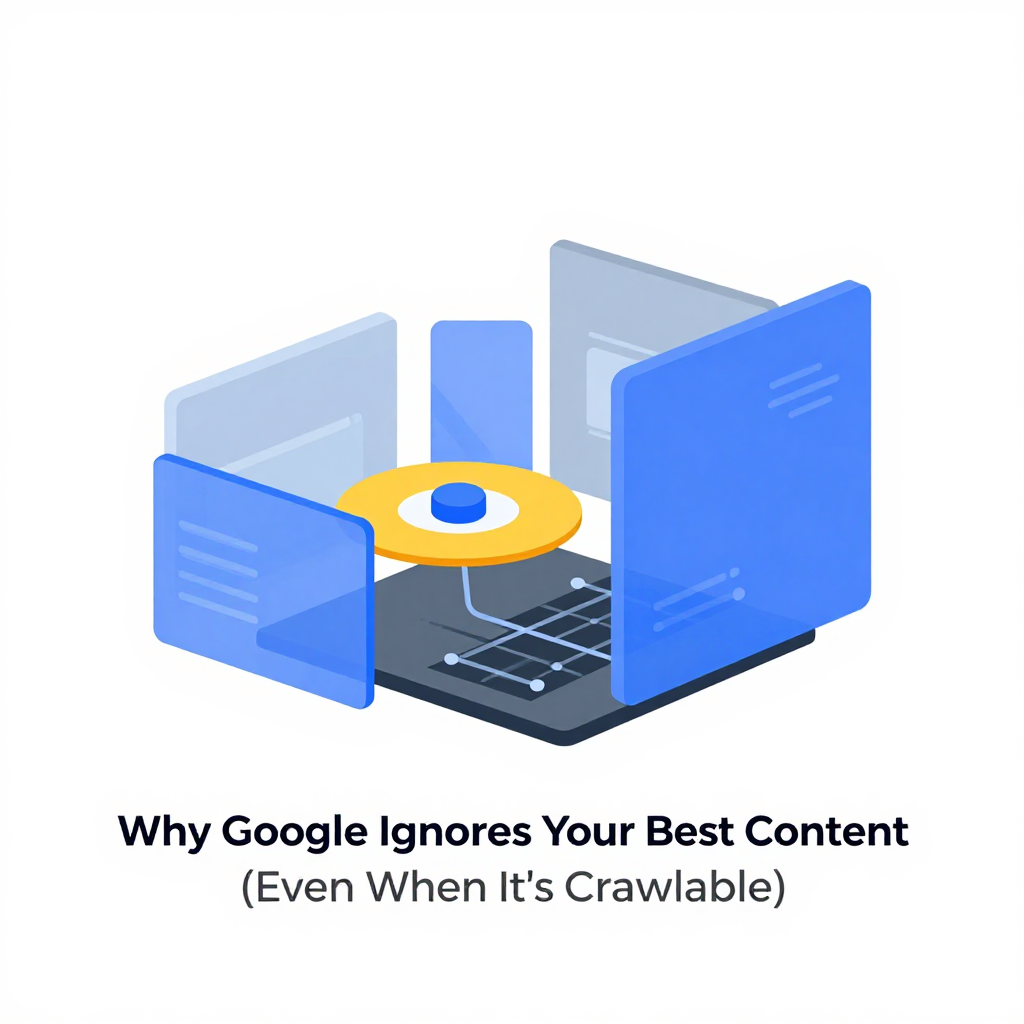
Why Google Ignores Your Best Content (Even When It’s Crawlable)
You wrote it. You optimized it. You even made sure it was technically crawlable. And yet — your long-tail traffic vanished.
It’s not your keywords. It’s not your backlinks. It’s not even your meta tags.
It’s your "Read More" button.
I’ve seen this happen too many times. A client’s landing page had 1,200 words of deep, nuanced product guidance — all hidden behind a collapsible div. The page ranked for head terms like "enterprise CRM software." But for the long-tail queries that actually drove conversions — "CRM for non-profits with limited IT staff," "CRM with offline sync for remote teams" — traffic dropped 80% overnight. No algorithm update. No penalty. Just… silence.
When we restored the content to full visibility, the recovery took eight months. Not because Google "re-indexed" it. But because trust was broken. Google had decided, quietly and permanently, that this page wasn’t worth showing for anything except the most obvious terms.
This isn’t speculation. It’s what happened on a real enterprise site with 17 million monthly visitors. And the SEO team didn’t even know it was happening until they noticed the CTRs in Search Console were cratering — while impressions stayed high.
Google doesn’t care if your content is crawlable. It cares if your content feels important.
And if you’ve tucked it behind a click, you’ve told Google: "This isn’t the main thing. Don’t bother." And Google listens.
The Silent Killer: Hidden Context in the Age of Semantic Search
You think Google’s AI is just matching keywords. It’s not.
BERT and MUM don’t just understand words. They understand intent. They infer the questions you didn’t ask. "Best running shoes" becomes "best running shoes for flat feet and plantar fasciitis." And if your page has the answer — buried under a "Show more" button — Google doesn’t just ignore it. It assumes you didn’t want it to be found.
This isn’t a bug. It’s a feature. Google’s entire model is built on signal hierarchy. Content you make easy to see? High signal. Content you hide? Low signal. Even if the HTML is identical.
The Moz Q&A thread from 2024 is the smoking gun. One SEO professional, EGOL, shared that a site lost 80% of its long-tail traffic after collapsing content — and didn’t recover for months after restoring it. The head terms held. The long-tail didn’t. Why? Because Google’s systems had already reweighted the page. The collapsed content was no longer part of the page’s "intent profile."
It’s not about indexing. It’s about interpretation.
Think of it like a book. If you put the most useful chapter in the appendix — and only mention it in the table of contents — readers won’t find it. Google is the reader. And it’s lazy. It takes the path of least resistance. If your content’s hard to access, it assumes you didn’t want it to be.
How to Audit Your Hidden Traffic Loss
You don’t need fancy tools. You need Search Console and a little curiosity.
-
Find high-impression, low-CTR pages. These are your candidates. If people are seeing your page in results but not clicking, your headline or preview isn’t matching intent. But if your content is hidden, it’s likely because Google’s preview doesn’t reflect the full answer.
-
Check the page’s structure. Are key paragraphs buried under a "Read more"? Are FAQs collapsed? Are product specs hidden in a tab? If yes, you’re likely losing semantic relevance.
-
Compare "People Also Ask" and "Related Searches." If your page answers questions Google is surfacing — but your content doesn’t contain those exact phrases — you’re winning the intent game. But only if Google can see the answer.
-
Test it. Temporarily expand one section. Wait two weeks. Watch the impressions for those long-tail terms. If they rise, you’ve found your leak.
I’ve done this three times in the last year. Each time, the recovery was faster than expected — not because Google "re-indexed," but because the signal reset. The page started looking like a resource again.
The Fix: Don’t Just Unhide — Reclaim
Don’t just remove the "Read More" button. Reclaim the content’s authority.
-
Keep expanders for supplementary material. Product comparisons? Fine. Case studies? Fine. But if it’s core to answering the search query — it belongs above the fold.
-
Don’t assume users won’t read. Your users don’t care about your UX aesthetic. They care about getting their answer. If they’re searching for "how to fix a leaking dishwasher," they don’t want a teaser. They want the fix.
-
Use semantic headings. If you’re hiding content, at least make sure the headings above it are clear. "Section 3: Troubleshooting" is better than "Click to learn more."
-
Don’t hide answers to "People Also Ask." That’s Google’s way of telling you: "This is what people want." If you’re hiding the answer, you’re fighting Google’s own understanding of intent.
I’ve seen teams spend six figures on content creation — then bury the best parts under a button. It’s like building a Ferrari and then locking the keys in the trunk.
The Real Risk: Losing Trust, Not Just Traffic
The scary part isn’t the traffic loss. It’s the trust erosion.
Once Google decides your page isn’t a good answer for long-tail queries, it rarely changes its mind. Even if you fix it, the page stays in the "low-signal" bucket. It’s like being blacklisted at a bar. You can show up with a new ID, but the bouncer remembers.
This is why recovery takes months. It’s not about crawling. It’s about re-earning authority.
And if you’re relying on AI-generated content — which often gets written in modular, collapsible chunks — you’re building a house on sand. Google doesn’t care that your AI wrote it. It cares that you’re hiding it.
The lesson?
Don’t optimize for clicks. Optimize for visibility.
If your content is good enough to rank, it’s good enough to show.
Stop hiding. Start trusting.
Your traffic isn’t lost. It’s just waiting for you to stop hiding it.
Related Reading
- How Google’s Query Expansion Is Rewriting SEO
- Why A/B Testing SEO Can Backfire
- The Hidden Cost of AI-Generated Content