
The Friction of Soft Shortcuts
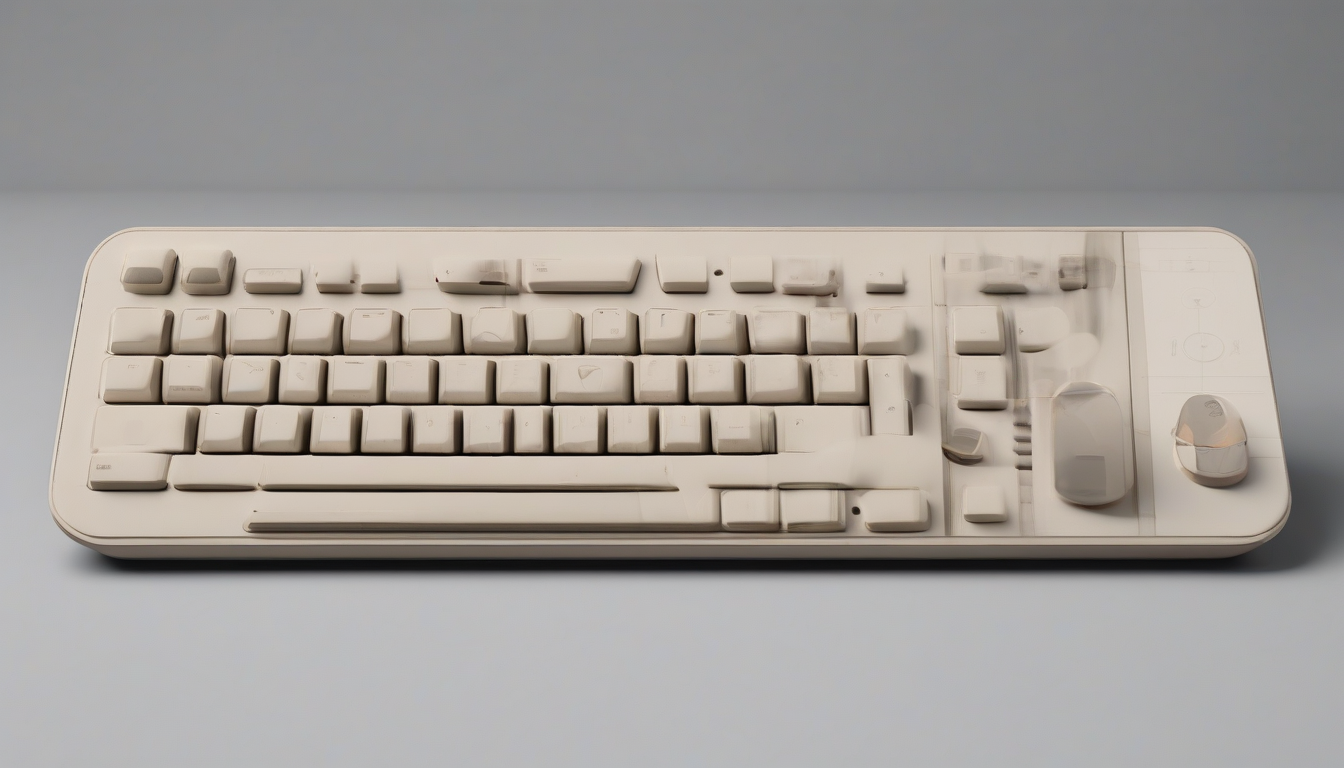
Physical buttons are back. Not because touchscreen screens failed, but because they became too noisy and cluttered. When you are sitting in a high-stakes call, trying to find the mute button across three open windows is a recipe for embarrassment. Every video app uses different keyboard combinations. Zoom wants one set of keys, Google Meet wants another, and Microsoft Teams ignores your inputs entirely unless the active focus is perfect.
The Dune keypad, a tiny three-button aluminum accessory designed by Project Mirage, is a direct response to this interface pollution. It is about the size of a stick of gum. It plugs directly into your MacBook’s USB-C port, matching the chassis contour of your specific Apple laptop perfectly. No wireless latency, no dead batteries, and absolutely no complex bluetooth pairing. But its real selling point is context awareness. The gadget observes what software you are using and instantly swaps what the physical keys do. In a meeting app, the three keys toggle your mic, toggle video, and bring the meeting window straight to the foreground. Switch to a web browser, and they handle page refresh, jump to the address bar, and paste.
This is not a simple macro pad. It represents a new category of input devices. If you track the broader shift in how we interact with technology, you see this trend everywhere. Startups in the AI consumer hardware space are moving away from screen-heavy designs toward hardware that adapts to our habits. Project Mirage is betting that before we wear smart-glasses all day, we will want tactile keys that understand our current task.

Why AI Consumer Hardware Demands Physical Buttons
Building custom hardware for the macOS ecosystem is historically difficult. Project Mirage targets recent Apple laptops specifically, supporting M2 Air or later and M1 Pro or later MacBooks running macOS 15 Sequoia or newer. This focus allows the device to sit flush, drawing power directly from the host.
But the hardware is not perfect. Ivan Mehta’s hands-on review at TechCrunch highlighted a critical engineering flaw: the keys don’t have enough resistance. They are too easy to press accidentally. If your hand sweeps past the keyboard to grab a mug of coffee or a water bottle, you can easily brush a key and trigger a status change. In a meeting context, unmuting yourself by accident is a nightmare. Hardware designers need to realize that tactile feedback is only half the battle; the key switches must resist normal human movement.
This sensitivity highlights a broader challenge for AI consumer devices. If physical interfaces are meant to automate tasks quickly, the barrier to activation cannot be so low that it becomes a source of error. Compare this with other indie hardware projects. Consider the Flipper Zero firmware transition, where developers had to build strict regression coverage to prevent accidental inputs from affecting real-world components. Dune needs a similar focus on physical reliability. If users cannot trust the keys to stay inactive when ignored, they will simply unplug the device and return to standard keystrokes.


Claude Desktop and the Code-Free Ecosystem
The real power of Dune lies in its integration with Claude Desktop. Traditional macro pads like the Elgato Stream Deck require manual key mapping, forcing you to dig through software settings to link functions. Project Mirage completely bypasses this manual grind.
Instead of writing custom Python templates, you open the companion application and describe what you want in plain, conversational English. The software sends that request to Claude, which writes the script and binds the output to your selected button. Start by assigning simple tasks, then build complex macros. With startups like Agentic Labs building new automation tools, such as the Neverclick keyboard utility, we are seeing a shift toward script-driven hardware. For example, a reviewer built a button that scrapes the website you are currently viewing, generates a summary of competitors and investors, and lists suggested questions for a meeting.
This capability changes how professionals handle research. If you need to quickly review a startup design or audit a source, you don’t need to open several browser tabs. You tap the key. The script can even run text through a Free AI Detector such as QuillBot or a custom plagiarism Checker. Developers can draw inspiration from platforms like DeepLearning.AI to write highly specialized prompts, turning three buttons into access keys for Google Gemini, ChatGPT, or the upcoming GPT-5. The LLM handles the complex text logic, and the macro pad acts as the physical trigger.
The Identity and Security Equation
Software tools are starting to cluster around agentic triggers. Systems like Abridge AI or Plaud show that text processing is moving toward automated, background operations. But as LLMs do more work on our behalf, security becomes paramount.
As cybersecurity companies evolve and teams like Cheq launch agent intent tracking tools, verifying what a software agent is allowed to do is a major priority. A physical controller acts as a manual wall. In an era searching for the most comprehensive identity intelligence and security solution for the agentic web, physical hardware tokens provide explicit human confirmation. An AI agent cannot press a physical aluminum key; only a human finger can confirm a GitHub pull request merge, authorize an API call, or sign off on a payment.
This gives Dune a unique angle. It is not just a tool for lazy writers who want to check drafts with QuillBot or query ChatGPT; it functions as a security lock. By requiring a physical tap to kick off agentic workflows, the device bridges the gap between software autonomy and human control.
Designing for the Frictionless Desk
Project Mirage has built a marketplace for user-submitted skills, attempting to turn their hardware into a thin client for a community-driven software platform. The idea is simple: if other operators build useful scripts, users have more reasons to keep the hardware plugged in.
However, the software platform feels young. Currently, the skills marketplace is sparse. More frustratingly, you cannot preview or test a skill without assigning it to one of your three physical keys first. Adding a virtual playground or simulator in the companion app would make exploration much easier. The company needs to build out its own native library of app profiles to support user onboarding at the start.
Still, at a retail price of $149 (with a $119 launch discount), Dune is a compelling option. While MuteMe only handles microphone controls, and Stream Deck focuses on large-scale streaming configurations, Dune occupies a middle ground. It is an ambient assistant that fits clean desks and tight workflows. If Project Mirage can improve the key resistance and expand the skill marketplace, this little aluminum block could establish a new standard for how we control our computers.