
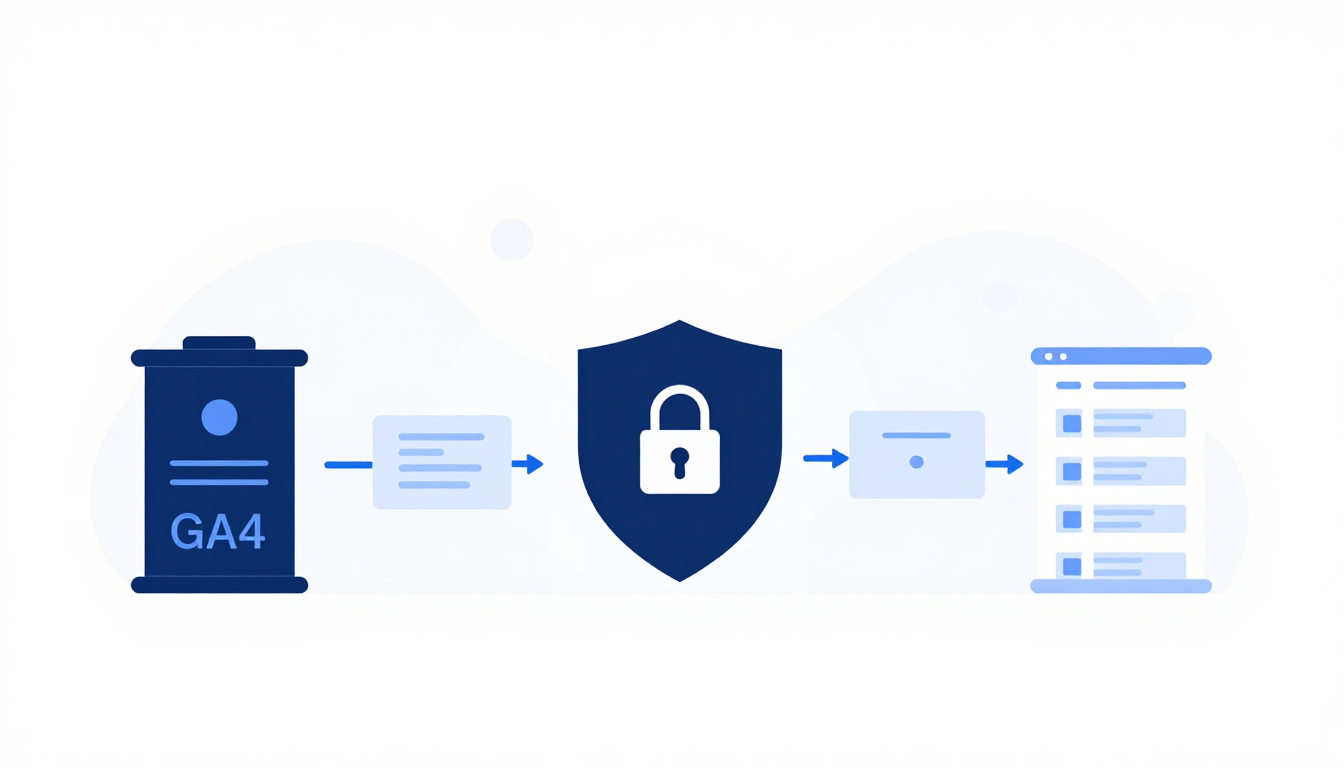
The Manual Overhead of Single-Account Linking
If you manage an enterprise portfolio or agency roster of ad accounts, you know the drill. Connecting twenty or fifty individual Google Ads accounts to a single Google Analytics 4 property used to mean endless repetitive clicking. You opened an account, navigated to settings, initiated the link, approved permissions, and repeated the sequence over and over.
That manual overhead is finally over. Google Ads has rolled out a bulk account linking capability that lets advertisers connect multiple accounts to one GA4 property simultaneously.
As reported by Search Engine Land, this update targets the exact friction points that enterprise teams and performance marketing agencies face every day. Instead of slogging through individual setup screens, media buyers and analytics managers can now select their desired ad accounts in batch mode and pair them with a destination property in a single administrative action.
It sounds simple. But for anyone who has ever spent a Friday afternoon manually linking forty client sub-accounts inside a complex My Client Center (MCC) structure, it's a huge operational relief.
What Google Ads Bulk Account Linking Actually Changes
Multi-account structures are standard for large organizations. Enterprises divide ad budgets across regional accounts, business units, or brand divisions. Agencies manage dozens of distinct client sub-accounts under overarching manager accounts.
While these structures make budget control and permissions manageable, they created serious friction inside GA4. To get clean conversion reporting and attribution, every single active ad account needs an explicit connection to the corresponding GA4 property. Establishing a clean organizational framework for accounts is critical for performance; for more on foundational setups, read our guide on search campaign structure.
The old setup model introduced three constant headaches:
- Human error and missed accounts: Manual linking leads to mistakes. A specialist onboarding ten new sub-accounts might miss two, leaving those campaigns running without full analytics tracking.
- Delayed attribution loops: When an account isn't linked immediately, auto-tagging and ad cost data fail to flow into GA4. That leaves reporting dashboards incomplete until someone notices the gap during a monthly audit.
- Wasted billable hours: Spending hours executing identical administrative steps is bad for agency profitability and frustrating for internal talent.
By replacing sequential configuration with bulk processing, Google addresses structural inefficiency rather than just tweaking cosmetic UI elements.
Eliminating Configuration Drift Across Portfolio Accounts
The operational shift is immediate. Instead of executing account setup as an itemized task list, teams can treat account configuration as bulk infrastructure deployment.
Consider agency onboarding. When winning an enterprise account with thirty regional sub-accounts, setting up analytics connections previously demanded dedicated planning and execution time. With bulk linking, an analyst selects all target sub-accounts, validates administrative permissions, and establishes the GA4 link in one pass.
Time saved adds up fast.
Beyond speed, bulk execution forces consistency. When accounts are linked individually, configuration drift happens easily. One account might get linked with auto-tagging enabled, while another misses personal advertising toggle settings. Executing the linkage in a single batch guarantees that connection parameters remain uniform across every account in the portfolio.
Step-by-Step Setup and Permission Requirements
While the feature dramatically cuts execution time, success still depends on getting administrative foundations right before launching the bulk workflow.
Here is how to ensure smooth deployment across large account networks:
- Audit administrative permissions first: You need appropriate user permissions across both sides of the bridge. The executing user must hold Administrator or Editor access on the target GA4 property and administrative clearance on the Google Ads manager account or individual target sub-accounts.
- Verify property targets: Ensure that all accounts selected for bulk linking belong to the same logical measurement boundary. Linking unrelated brand sub-accounts to a single GA4 property will pollute your analytics events and skew attribution models.
- Confirm auto-tagging settings: Bulk linking connects the accounts, but you still need to ensure Google Ads auto-tagging (
gclid) is active across all linked sub-accounts for precise campaign parameter inheritance in GA4 reports. - Execute the bulk batch: Access the linking interface within Google Ads settings, select your targeted list of managed accounts, choose the destination GA4 property, and initiate the batch process.
Permission mismatches remain the primary reason bulk actions encounter partial failures. If three accounts in a thirty-account batch lack matching administrative rights, those three will be rejected while the rest complete. Doing a quick permission check beforehand saves troubleshooting time later.
Why Complete Attribution Feeds Smarter Bidding
Data sharing between Google Ads and GA4 is a two-way pipeline. GA4 imports campaign performance stats, click metrics, and cost data from Google Ads. In return, Google Ads imports key conversion events, key events, and predictive audience segments built in GA4.
When account linking is incomplete or delayed, Smart Bidding strategies suffer. Automated bidding algorithms rely heavily on clean, continuous conversion inputs to optimize bids for real-time auctions. As we explored in our analysis of how inaccurate conversion data sabotages Google Ads performance, missing or corrupted data signals directly degrade campaign delivery.
If a sub-account runs campaigns for two weeks without a valid GA4 link, machine learning algorithms lose critical conversion signals. The campaign bids blind during its most crucial learning phase.
Bulk linking eliminates these attribution dark spots. By establishing full portfolio connectivity from day one, machine learning models get immediate access to complete cross-channel conversion signals. Better signal quality directly feeds more accurate bidding decisions, faster campaign ramp times, and tighter ROI tracking.
Ongoing Governance for Complex GA4 Architectures
Bulk capabilities make management easier, but they don't replace sound analytics governance. To keep your measurement architecture clean over time, follow these guidelines:
- Establish clear naming conventions: Standardize sub-account titles inside Google Ads manager accounts. Clear naming makes it easy to select the correct account batches during bulk operations and prevents mislinked accounts.
- Conduct quarterly connection audits: Even with bulk tools, enterprise account structures evolve. Review your GA4 linked accounts quarterly to disconnect sunsetted accounts and link newly created sub-accounts.
- Monitor conversion action imports: After executing a bulk link, check the conversion settings in Google Ads. Ensure imported GA4 events are correctly classified as Primary or Secondary actions to prevent accidental double-counting of conversion goals.
Google's addition of bulk account linking for GA4 isn't just a minor technical patch—it's a long-overdue workflow optimization for high-volume advertisers. By eliminating manual repetition, marketing teams can spend less time clicking buttons in settings menus and more time analyzing campaign performance.