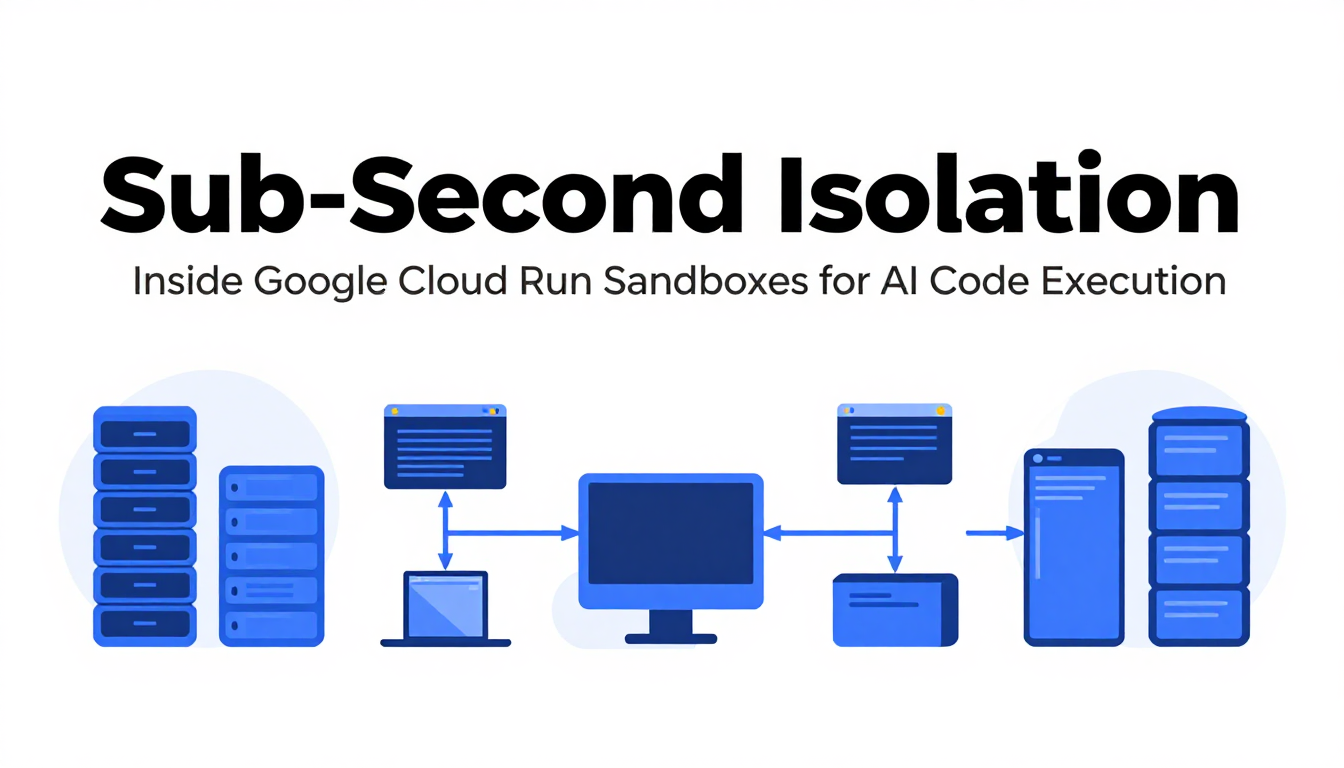
Running AI-generated code inside your production application is an exercise in managed anxiety. When an LLM generates Python scripts, R models, or SQL queries on the fly, handing those scripts direct execution rights on host infrastructure is dangerous. One stray prompt injection or flawed loop can wipe local files, exfiltrate API keys from environment variables, or probe internal networks. Until recently, isolating these execution workloads meant setting up separate microVM clusters, managing standalone Firecracker pools, or paying third-party sandbox vendors premium per-second rates.
At the WeAreDevelopers World Congress on July 9, 2026, Google Cloud introduced Cloud Run sandboxes (see also Google's Agentic Defense Playbook for broader infrastructure context) in public preview (announced by Product Manager Ryan Pei and Software Engineer Greg Block). Instead of forcing teams into remote VM management, Cloud Run sandboxes inject lightweight isolated execution boundaries straight into existing Cloud Run service instances.
Under the Hood: Lightweight Sub-Process Boundaries
The core architectural shift here is proximity. Cloud Run sandboxes don't provision full virtual machines across the network. They spawn sub-second isolated execution environments directly within your running container instance.
When you spin up a sandbox, it shares the container's pre-installed binaries, Python runtimes, and system libraries, eliminating cold-start delays. In benchmark demonstrations, Google showed services executing 1,000 parallel sandboxes with an average spin-up and execution latency of just 500 milliseconds.
This sub-second lifecycle changes how developers structure autonomous agent loops. Three workloads immediately fit this model:
- LLM Code Interpreters: AI agents can dynamically construct and run Python, R, or SQL scripts to perform statistical calculations, generate data charts, and manipulate tables without endangering host memory.
- Headless Browsers: Autonomous agents running Chromium or Playwright can scrape untrusted web pages and capture screenshots without exposing the underlying host container to browser exploit primitives.
- User-Submitted Code: Enterprise SaaS applications hosting custom user plugins, webhooks, or transformation scripts can execute user code in a dedicated boundary without spinning up heavy tenant VMs.
Three Core Security Boundaries
Security in Cloud Run sandboxes follows a zero-trust model by default. Rather than relying on soft container walls, the runtime enforces three strict system-level boundaries.
1. Credential and Metadata Isolation
The most dangerous vulnerability in cloud-native execution is metadata service exfiltration. In standard container setups, malicious code can query http://169.254.169.254 to harvest service account tokens. Cloud Run sandboxes completely block access to the Google Cloud metadata server and hide all parent Cloud Run environment variables. Code running in the sandbox sees none of the service's API secrets or cloud identity tokens.
2. Locked-Down Network Egress
Outbound network access is disabled by default. If an LLM generates code that attempts to exfiltrate database contents to a remote C2 server, the network stack drops the packets at the system kernel layer. If an agent genuinely needs external network access—for example, calling a GitHub API—you must explicitly grant permission using the --allow-egress flag during invocation:
sandbox do --allow-egress -- curl https://api.github.com
3. Isolated Filesystem Memory Overlay
Sandboxes receive a read-only view of the parent container's filesystem. Any file creation, script write, or temporary file modification happens inside an isolated memory overlay. The host filesystem remains pristine, and once execution finishes, the overlay vanishes entirely.
Deployment, CLI Workflows, and Persistence
Setting up sandboxing requires zero architectural redesigns. You enable the sandbox capability at deployment time by appending a single flag in gcloud or your service YAML:
gcloud beta run deploy my-agent-service \
    --image=gcr.io/my-project/agent-image \
    --sandbox-launcher
Once deployed, Cloud Run mounts a lightweight sandbox CLI binary into the container runtime. Your main application calls the binary using standard language subprocess handlers:
import subprocess

def run_untrusted_code(llm_code: str):
    with open("/tmp/generated_script.py", "w") as f:
        f.write(llm_code)

    result = subprocess.run(
        ["sandbox", "do", "--", "python3", "/tmp/generated_script.py"],
        capture_output=True,
        text=True,
        timeout=10
    )

    return result.stdout if result.returncode == 0 else result.stderr
Managing State Across Ephemeral Runs
Because memory overlays are discarded when execution ends, state does not survive between sandbox calls by default. However, when an agent needs to pass intermediate artifacts between execution steps, the sandbox CLI provides archive tar flags:
## Export state from a completed run into a tar archive

sandbox do --write --export-tar=/tmp/work.tar \
  -- /bin/bash -c "mkdir -p /tmp/work && echo 'task-complete' > /tmp/work/status.txt"

## Restore that tar archive in a fresh sandbox instance

sandbox do --write --import-tar=/tmp/work.tar \
  -- /bin/bash -c "cat /tmp/work/status.txt"
Ecosystem Integration: ADK and ComputeSDK
Google is integrating Cloud Run sandboxes directly into broader AI developer tooling. The upcoming release of Google's Agent Development Kit (ADK) introduces a native CloudRunSandboxCodeExecutor class. This allows developers to hook sandboxed execution into Gemini agents with minimal boilerplate:
from google.adk.agents import Agent
from google.adk.integrations.cloud_run import CloudRunSandboxCodeExecutor

analyst_agent = Agent(
    name="cloud_run_data_analyst",
    model="gemini-3.1-pro-preview",
    system_instruction=(
        "You are an expert data analyst. Write and execute Python code to answer "
        "user questions and process data safely."
    ),
    code_executor=CloudRunSandboxCodeExecutor(),
)
For multi-cloud or hybrid environments, Cloud Run sandboxes are also supported in ComputeSDK—a vendor-agnostic SDK that enables developers to invoke sandboxes locally inside the Cloud Run service or trigger them remotely from external orchestrators.
Operational Tradeoffs and Sizing Strategy
From a financial perspective, Cloud Run sandboxes carry no extra pricing tier or VM surcharges. Sandboxes run directly within the existing CPU and memory allocation of your Cloud Run instances. You pay standard Cloud Run pricing for compute consumed.
However, sharing host resources introduces operational tradeoffs that platform engineers must manage:
- Resource Starvation Risks: Because sandboxes consume CPU cycles and RAM allocated to the host Cloud Run instance, heavy sandbox tasks (such as complex headless browser rendering) can starve host application threads if memory limits aren't sized generously.
- Concurrency vs. Capacity: Spawning hundreds of simultaneous sandboxes inside a single instance requires scaling instance sizing (vCPU and RAM) to absorb compute spikes, or configuring Cloud Run concurrency limits to force container horizontal auto-scaling.
- Ephemeral Memory Pressure: Memory overlay writes draw from instance RAM. Applications generating large temporary datasets inside sandboxes must export archives to cloud storage or disk early to prevent Out-Of-Memory (OOM) kills.
By removing the friction of third-party sandbox infrastructure, Google Cloud Run sandboxes give backend teams an accessible, low-latency foundation for executing untrusted AI code cleanly inside standard serverless boundaries. (For context on risks, consider the costs incurred in a recent cloud account hijack).